
Hover to compareDrag to compare
01AI restoration
Torn Repair
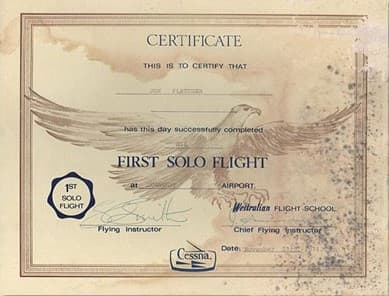
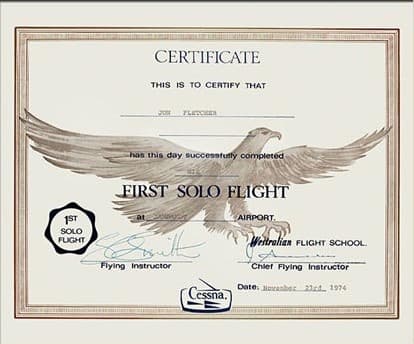
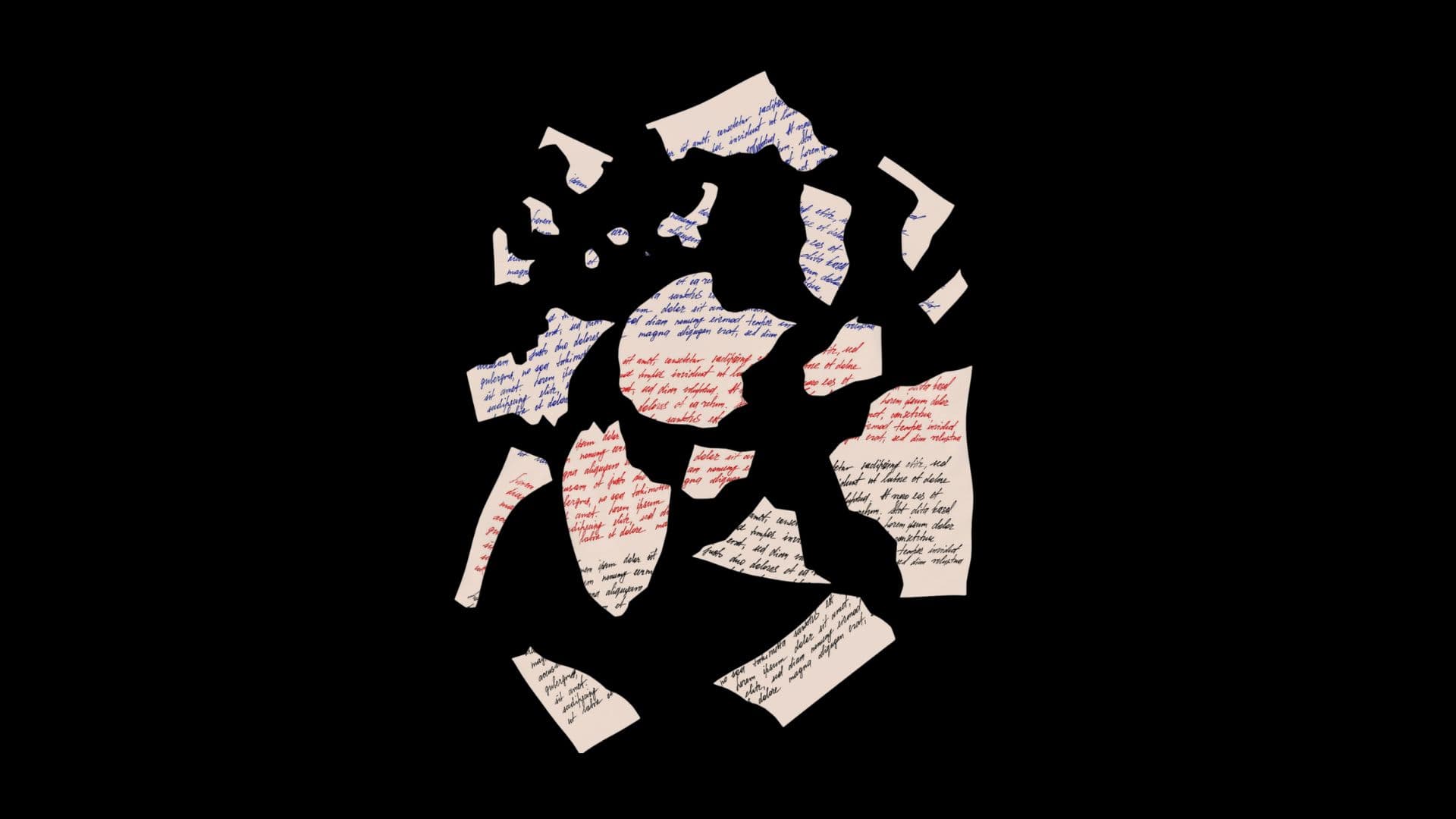
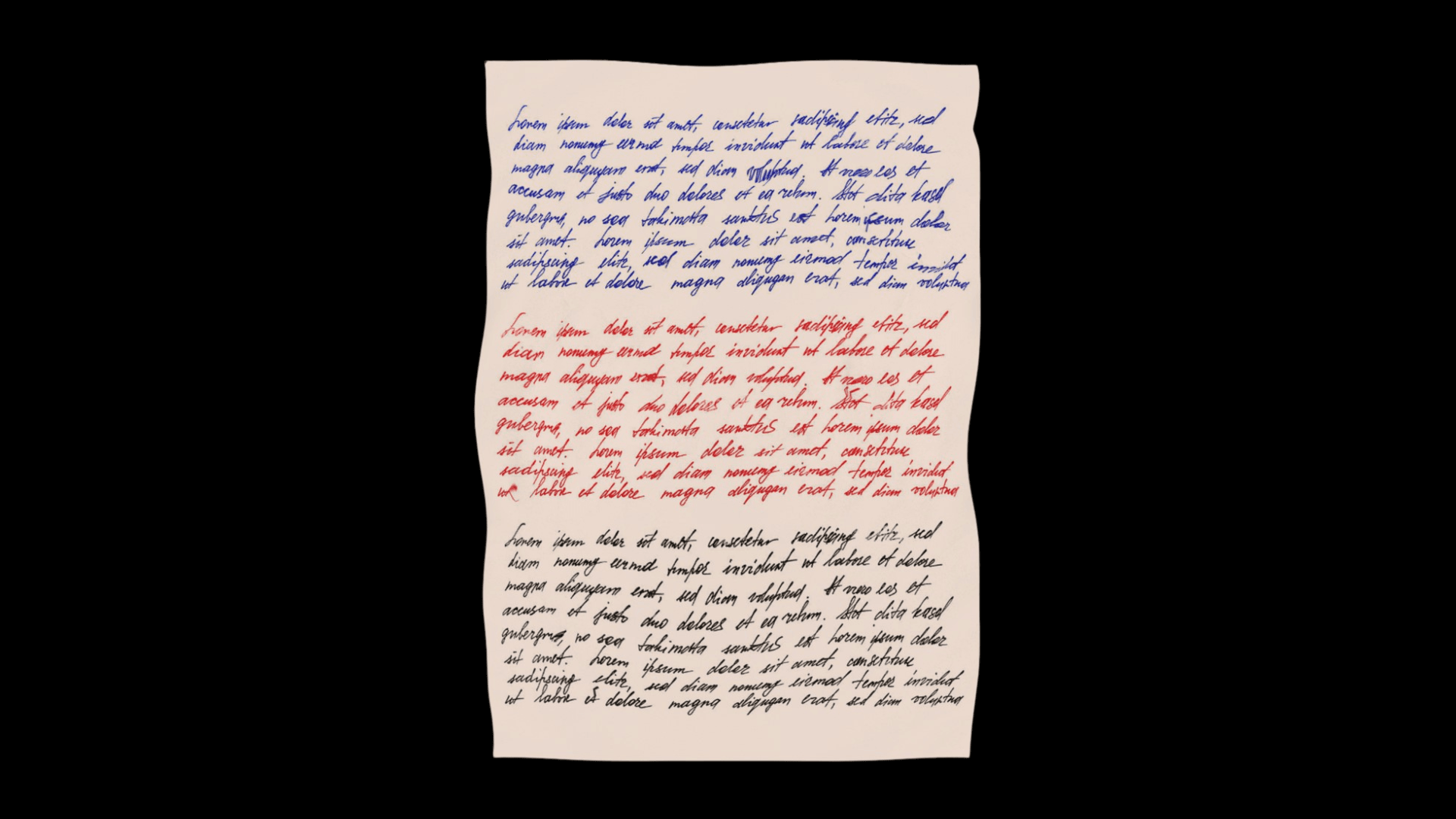
Seamlessly mend torn documents, ripped corners, and missing fragments. Our AI reconstructs lost text and paper texture with pixel-perfect accuracy.
TearsFoldsMissing pieces
Restore torn documents, remove ink bleed, repair faded text, eliminate scratches, and reconstruct missing sections with precision AI inpainting technology.
Trusted by 10,000+ professionals • No credit card required
Upload Document(s)
Click to upload or drag & drop
JPG · PNG · PDF · TIFF
Quality Level
Enhancements
Quality
Standard
Tool
Document Restoration
Time
24.6 s
Status
Processing
Recent Restorations
View all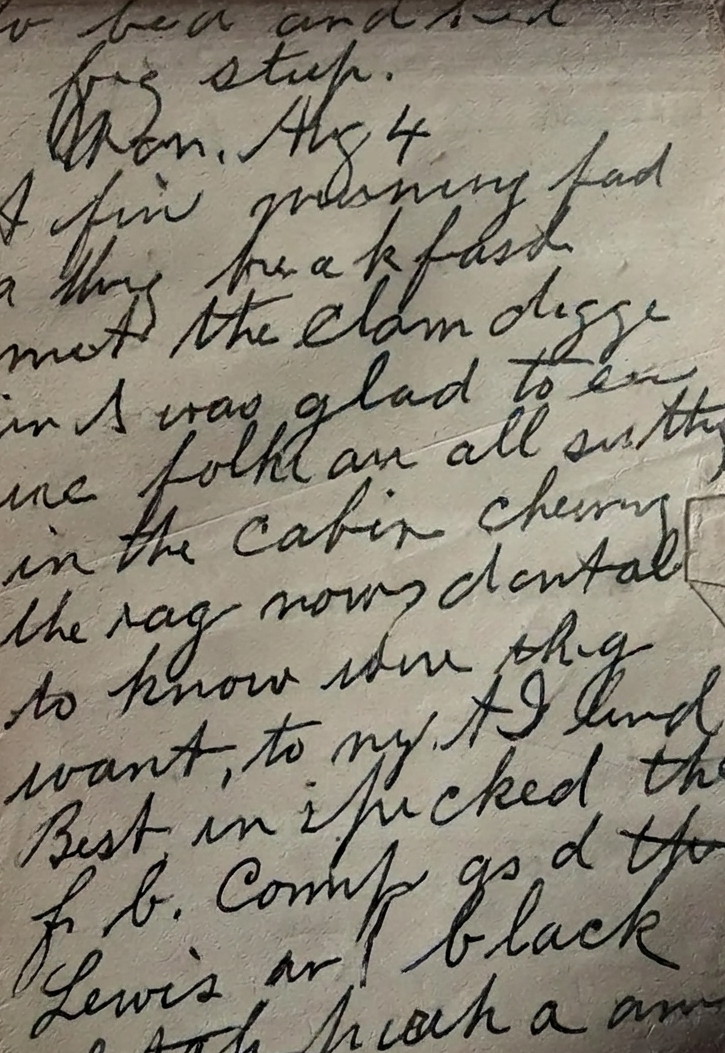
Faded Letter
Completed · 5.0s
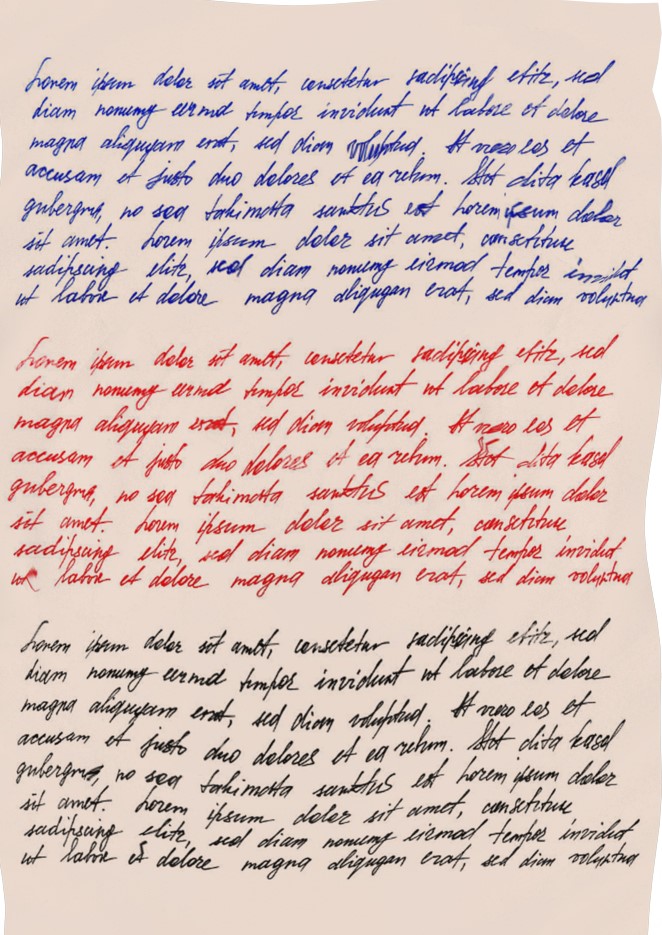
Torn Manuscript
Completed · 5.0s
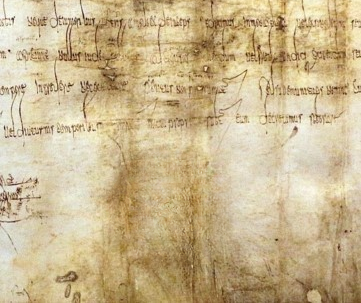
Sealed Charter
Completed · 5.0s
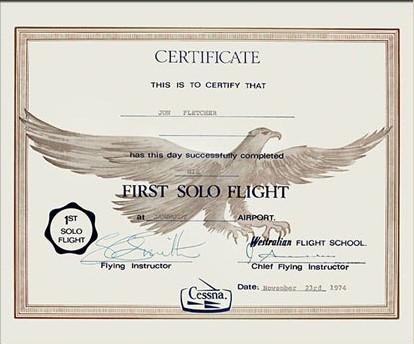
Certificate
Completed · 5.0s
Trusted by industry leaders









See how we transform damaged documents with intelligent background cleanup, faded texture correction, and precision restoration for cleaner, more readable results.
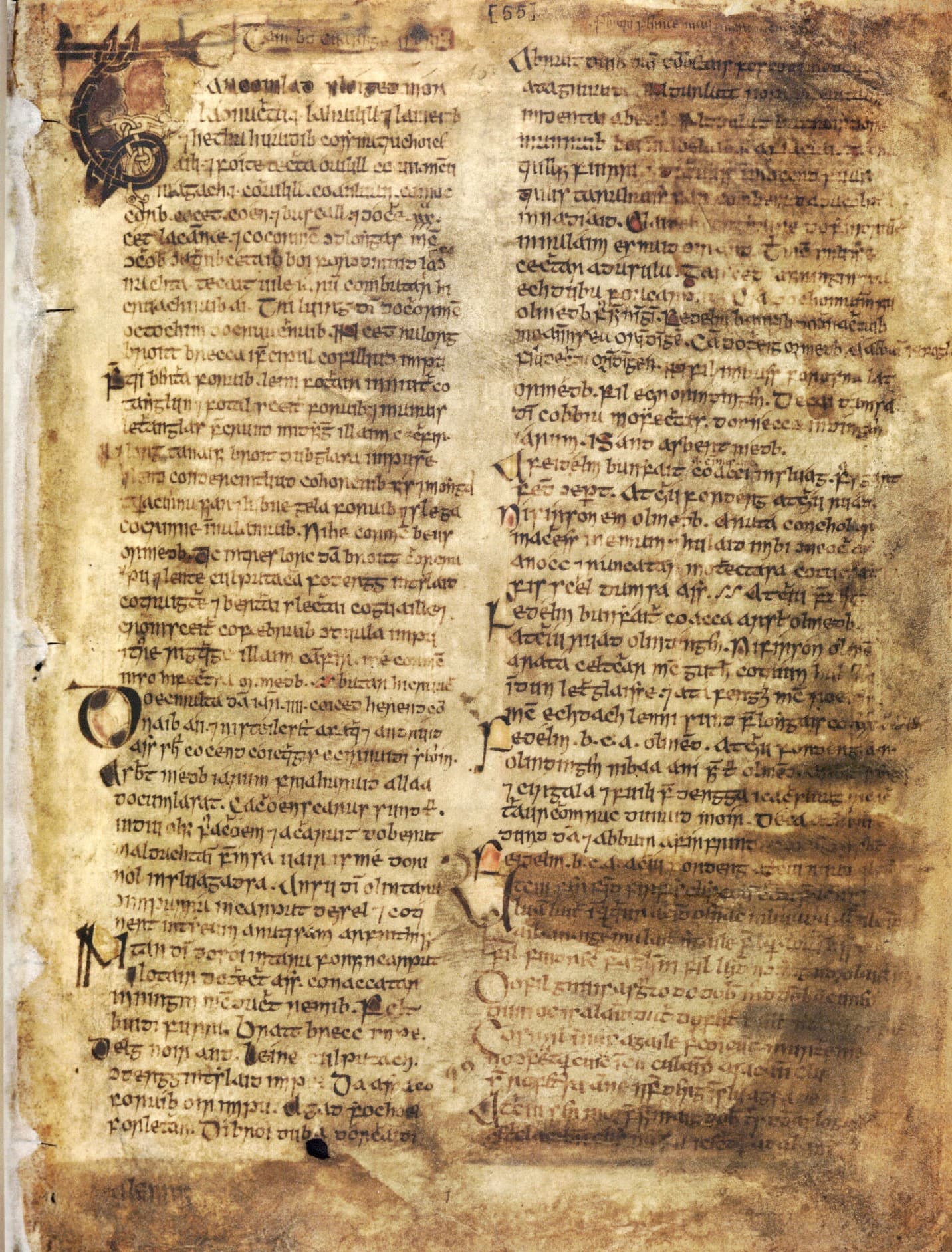
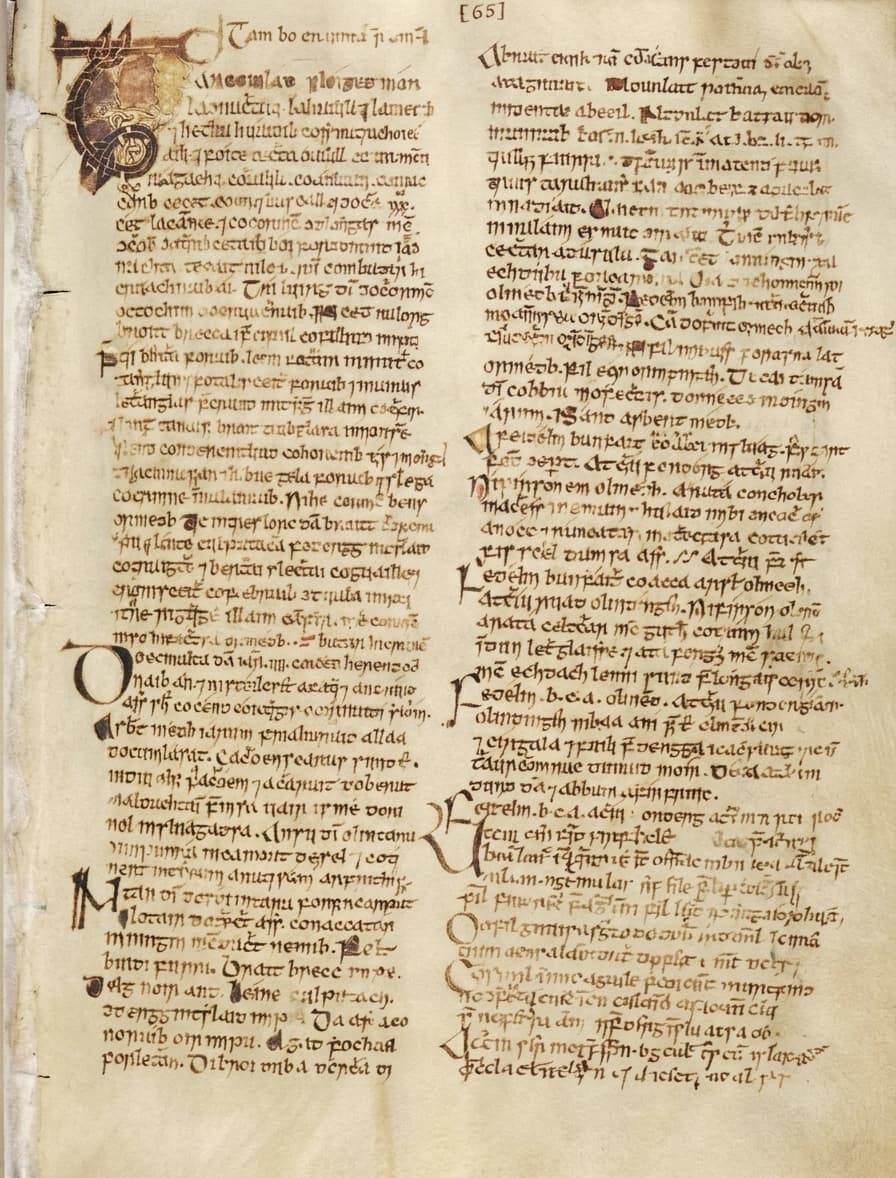
We remove dirty paper textures, faded backgrounds, and visual noise while preserving important text structure.
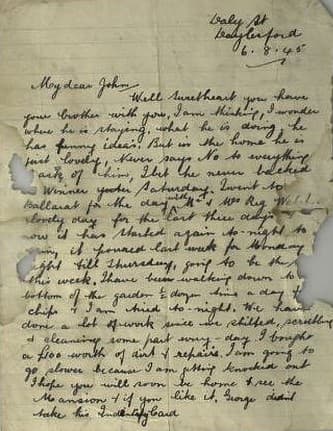
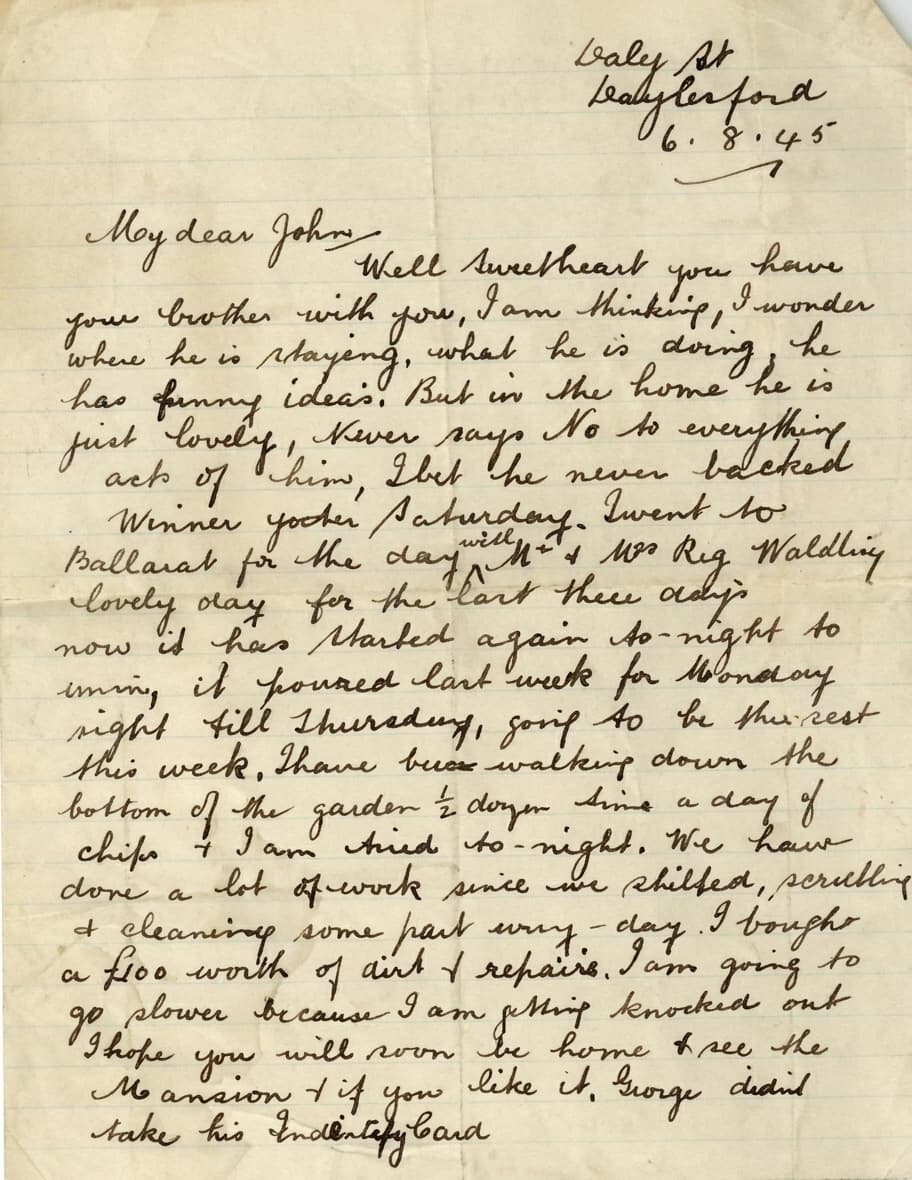
Restore damaged documents by cleaning stains, improving contrast, and rebuilding background consistency.
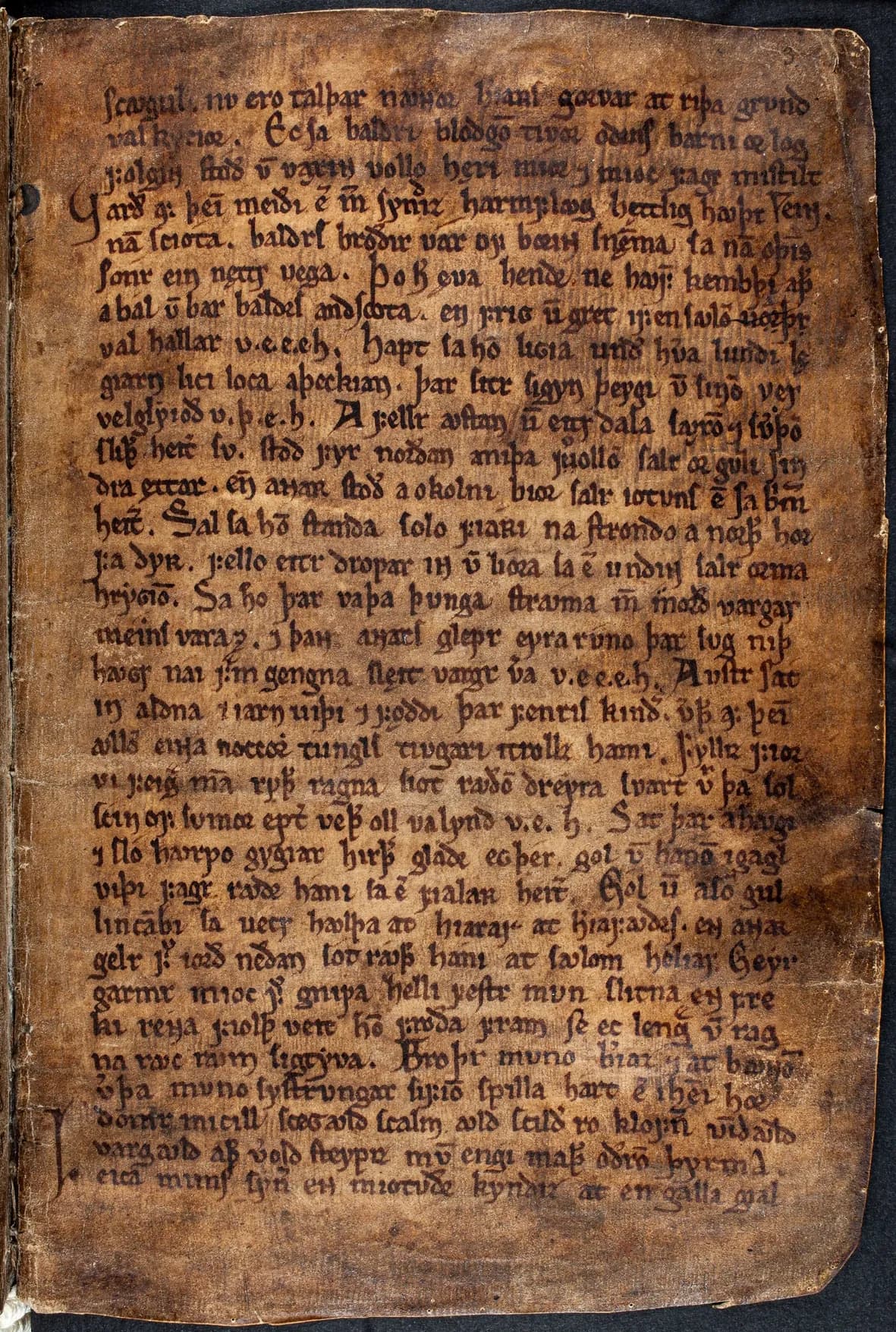
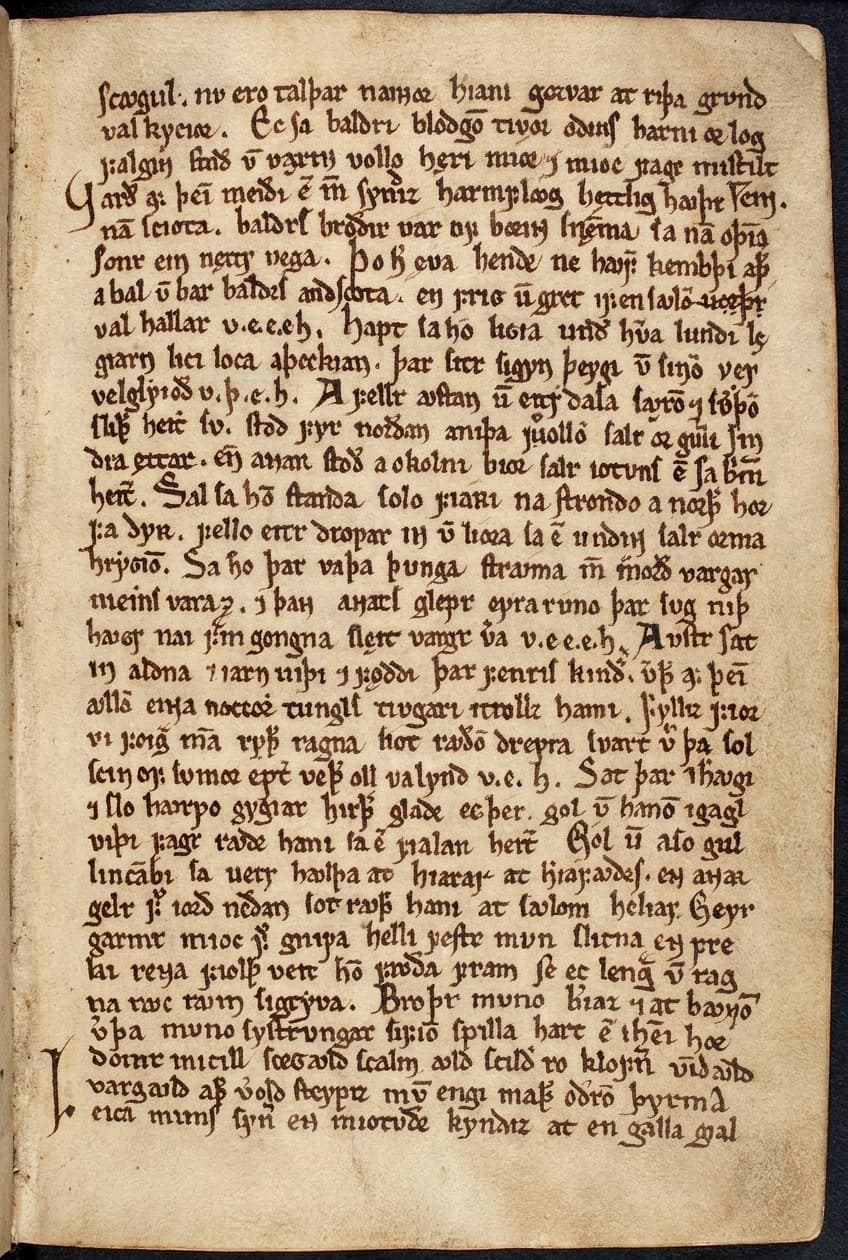
Repair torn edges, worn paper textures, and faded zones for more readable and professional document output.
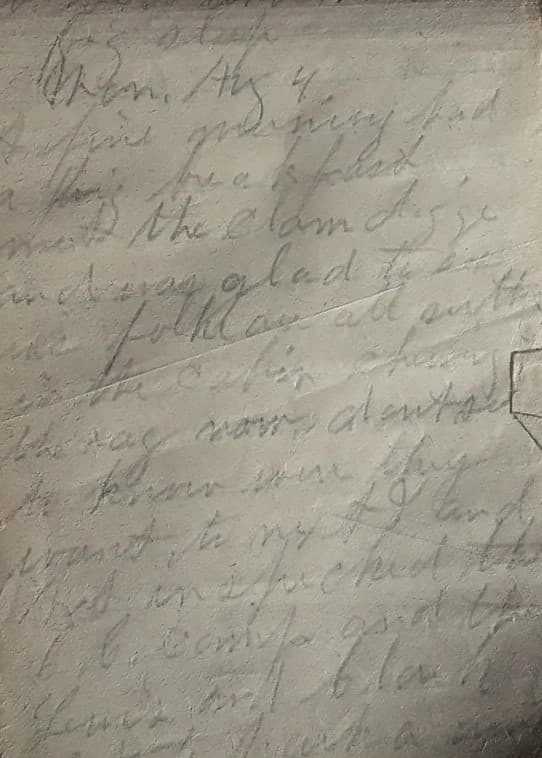
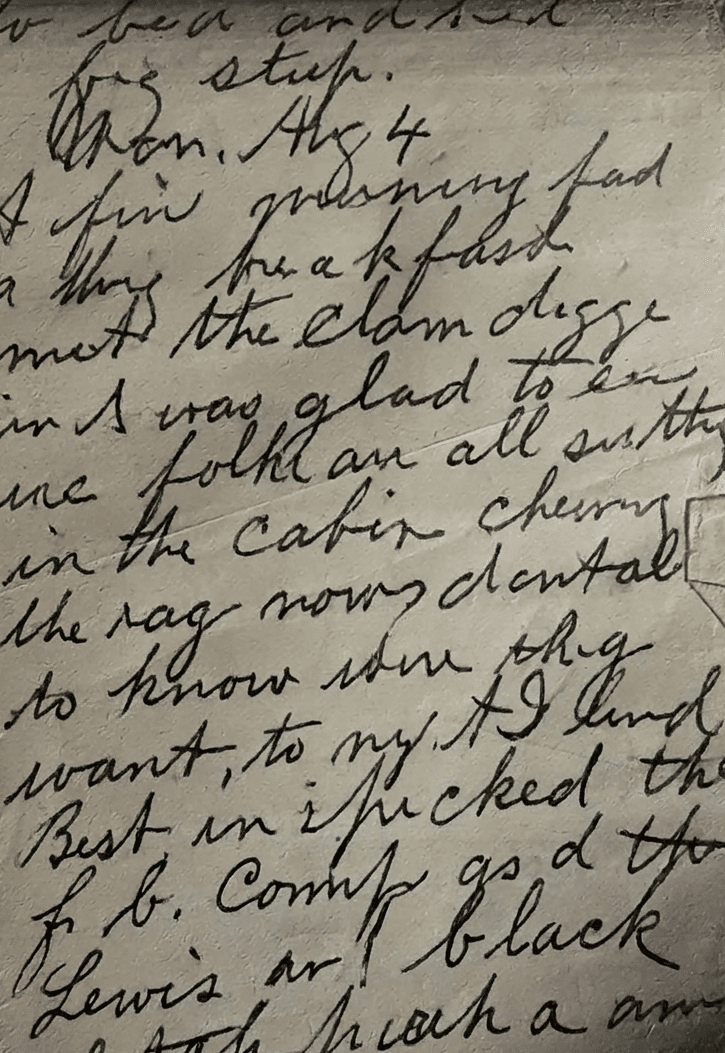
AI restoration improves readability by reducing bleed marks, uneven paper tone, and distracting surface damage.
Restore readability by cleaning distracting backgrounds and enhancing damaged paper surfaces.
Remove stains, aging marks, faded textures, and visual clutter without making documents look unnatural.
Designed for archives, certificates, official records, historical scans, and damaged paperwork restoration.
Document restoration is more than visual cleanup. It helps recover readability, improve presentation quality, and preserve important information from scans, archives, certificates, forms, and historical records.
Start on the free Basic plan, upload one damaged page and check the result yourself.
Bring back clarity in old records, certificates, contracts, and scanned pages that suffer from faded paper textures or damaged backgrounds.
Clean paper grain, dirt marks, shadows, fold damage, and uneven backgrounds to create a polished, readable document presentation.
Useful for legal records, archive preservation, office paperwork, historical documents, certificates, and identity-related documentation.
Our AI workflows are built to improve document quality while preserving the original structure and visual integrity of the page.
A simple and effective workflow designed to restore damaged documents, improve readability, and produce high-quality clean outputs.
Upload scans, photos, old records, certificates, or paper documents with stains, fading, torn edges, or noisy backgrounds.
Our system analyzes background defects, faded zones, bleed-through, texture noise, and missing visual sections automatically.
AI restores document appearance through background reconstruction, cleanup, enhancement, and visual consistency correction.
Download a polished, easy-to-read result, and find every restored document saved in your Recovoly archive whenever you need it again.
Hover any card to slide-compare before & after. No clicking needed - just move your mouse.
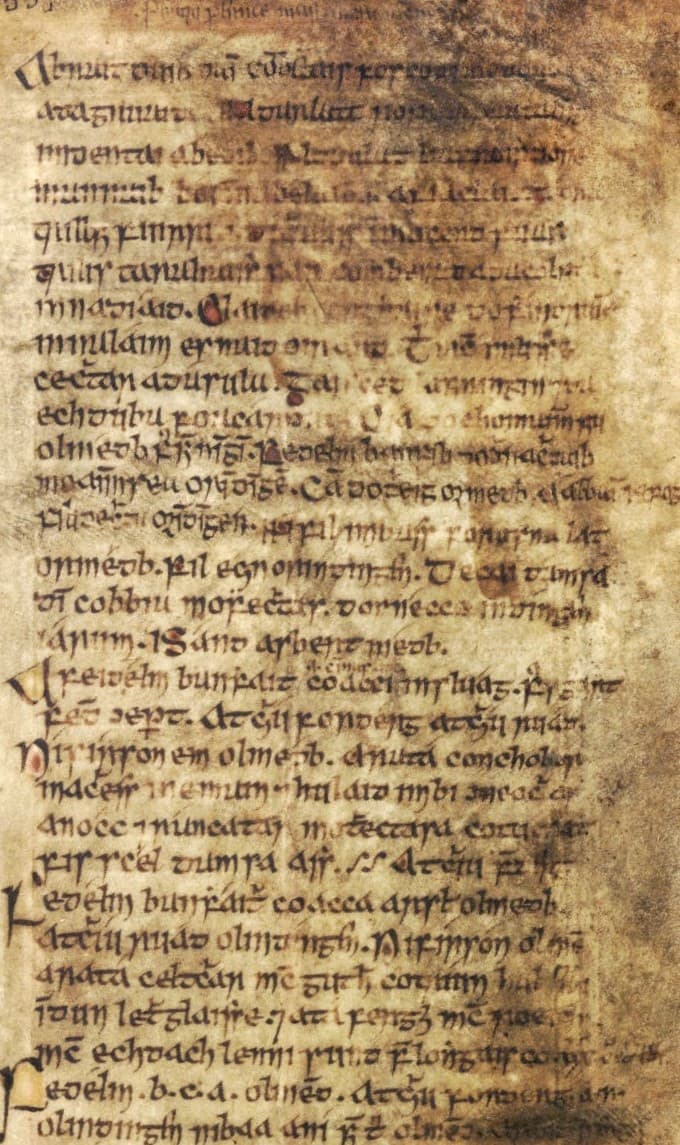
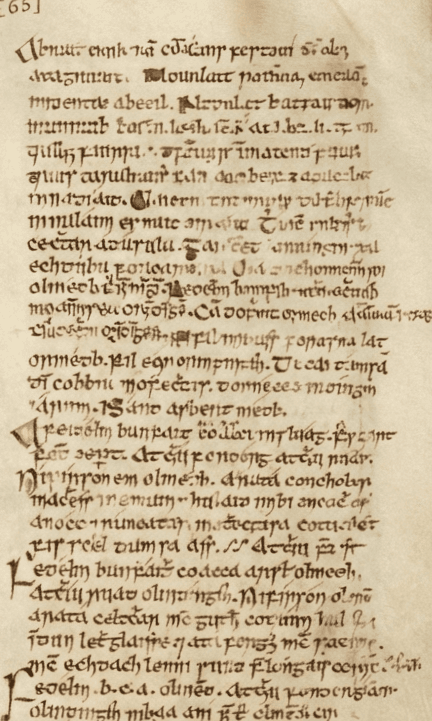
Seamlessly mend torn documents, ripped corners, and missing fragments. Our AI reconstructs lost text and paper texture with pixel-perfect accuracy.
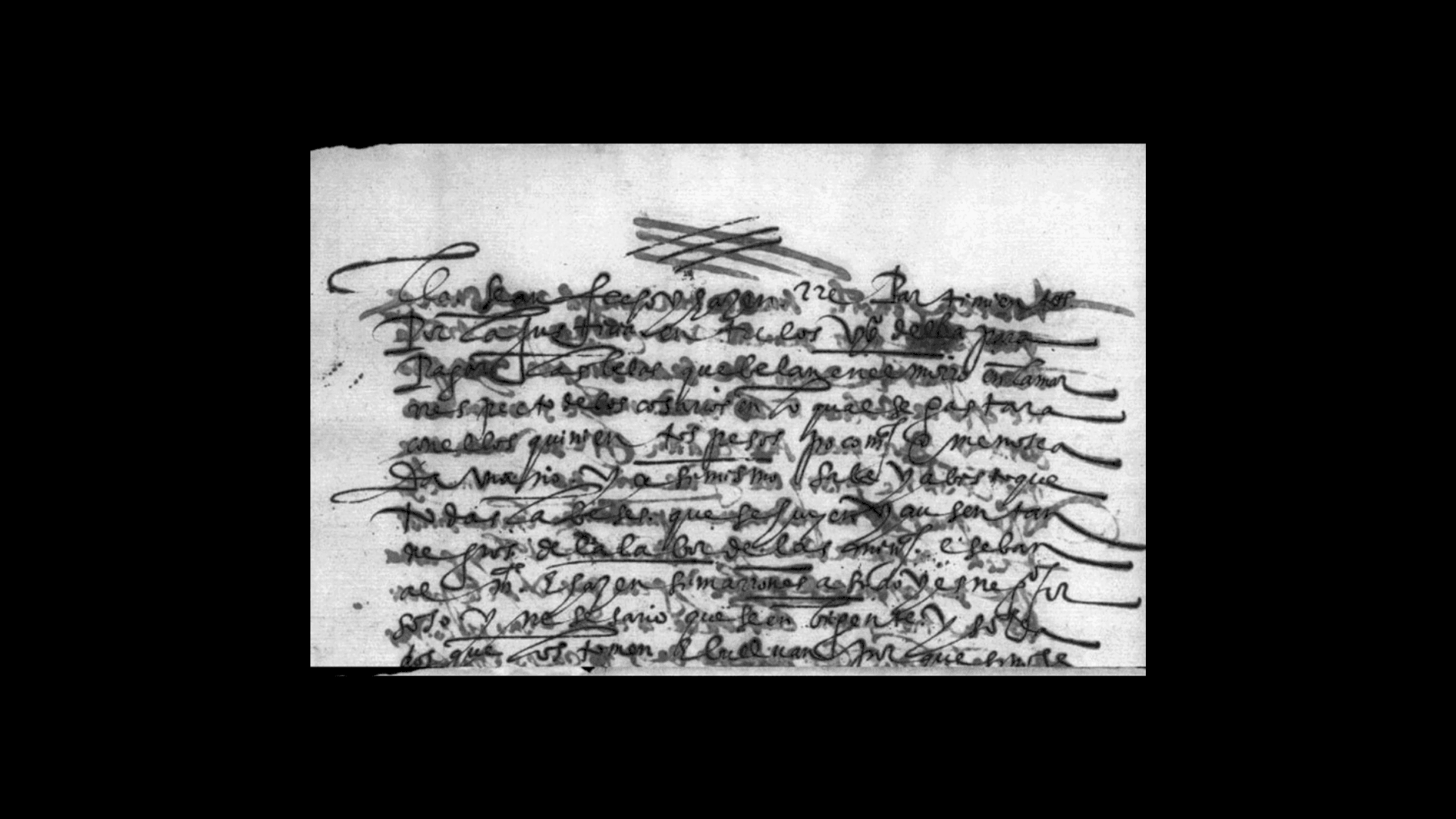
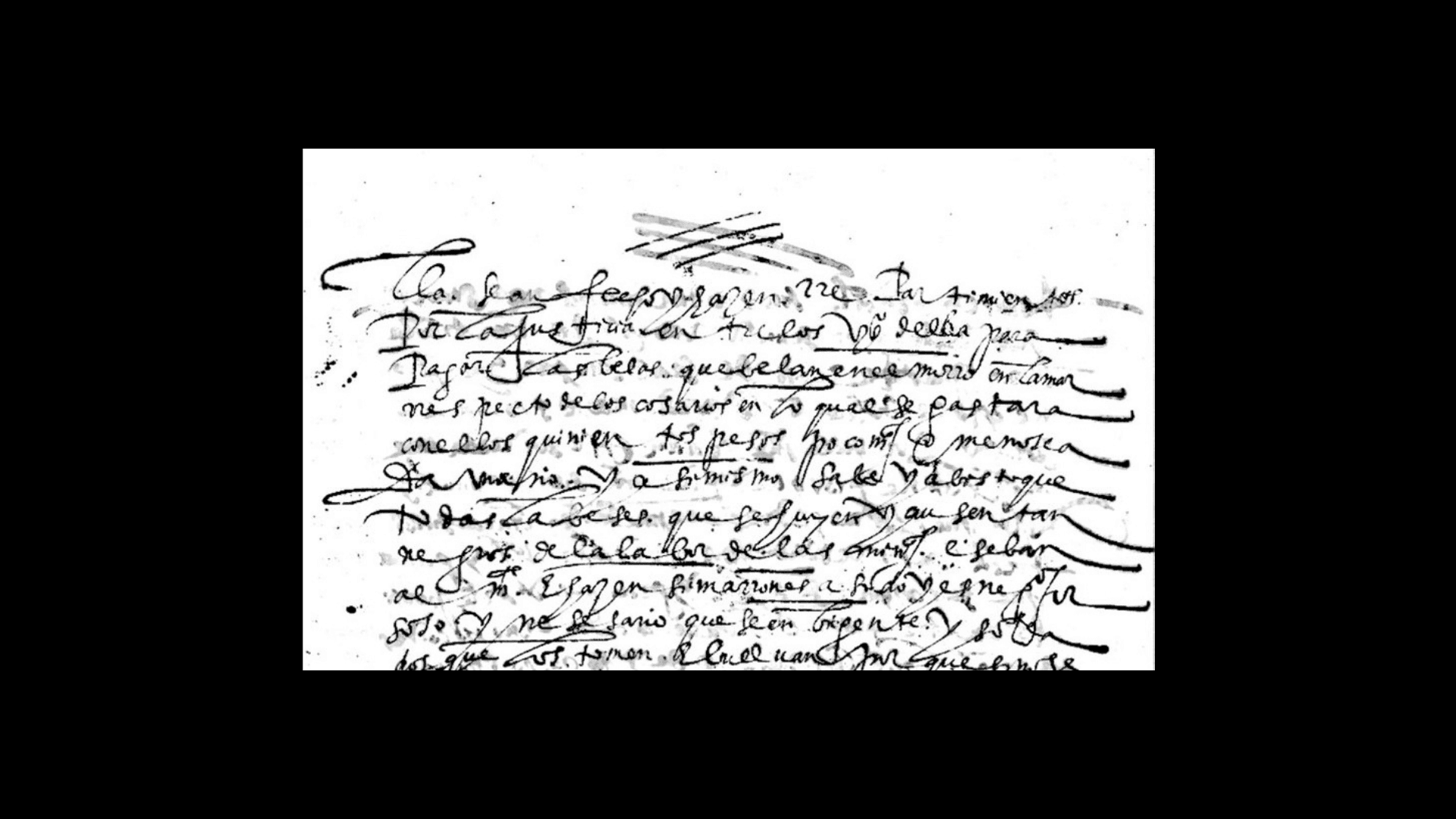
Eliminate ink bleed-through, water stains, and ghosting from old manuscripts. Preserve handwritten details while clearing background noise.
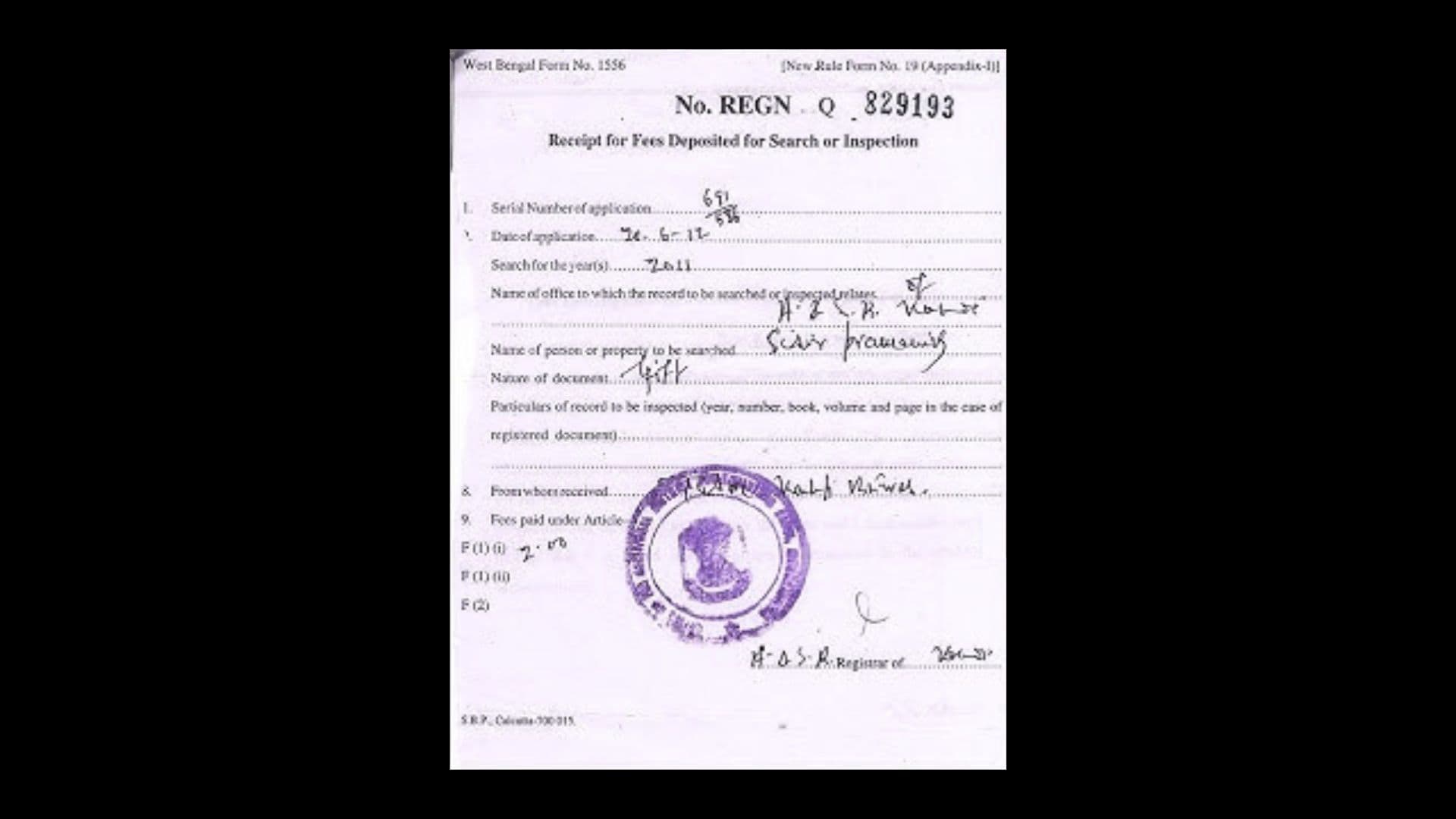
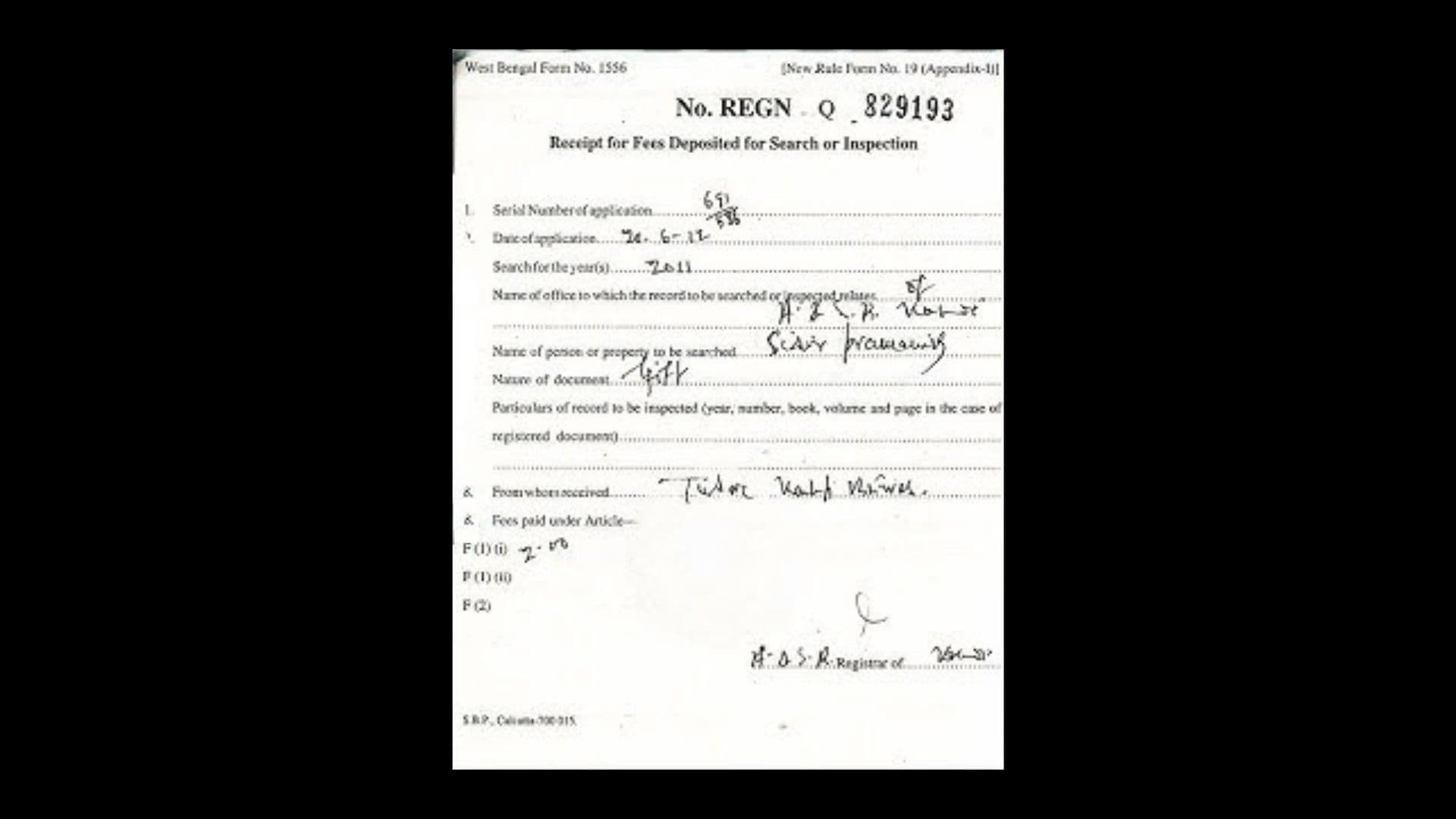
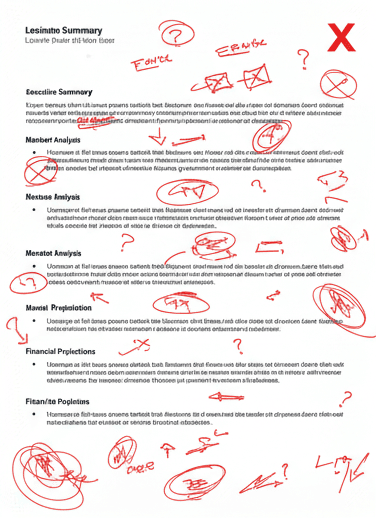
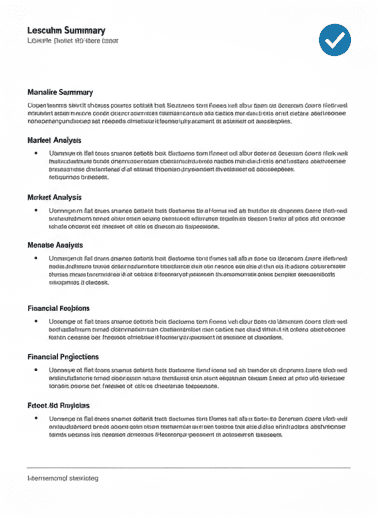
Fill in missing areas, remove stamps, or reconstruct faded text. AI completes the visual context naturally, as if never damaged.
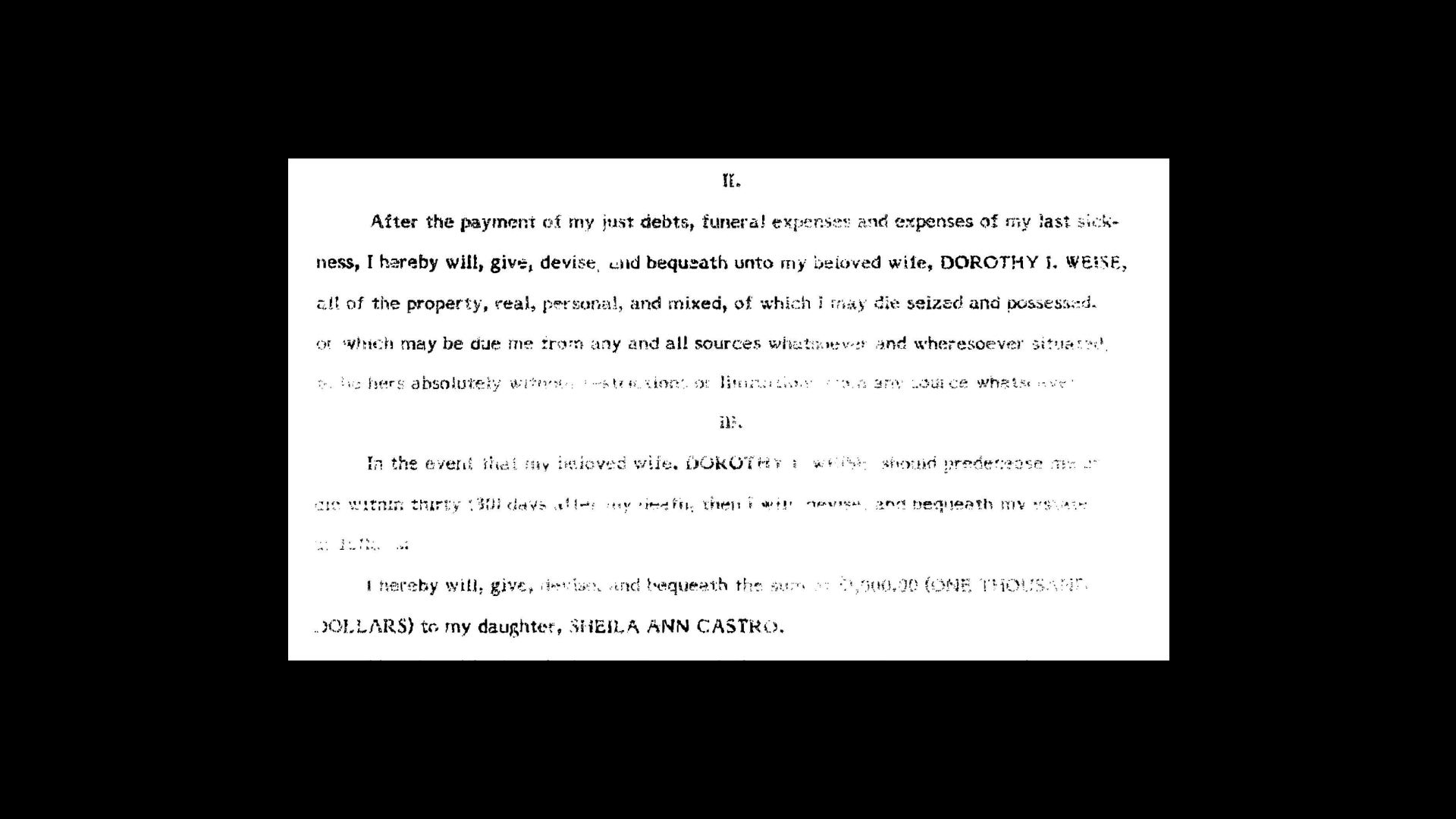
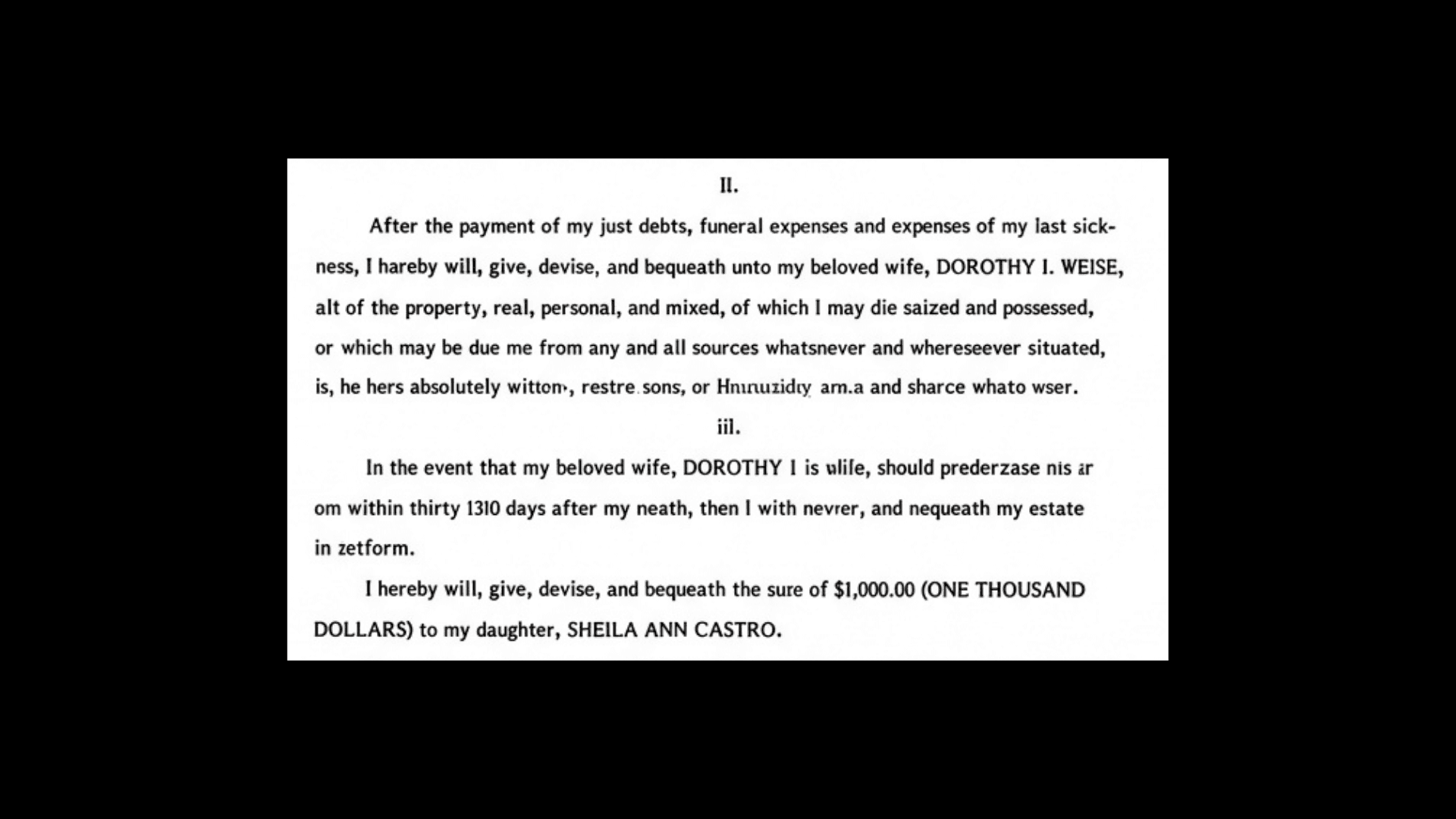
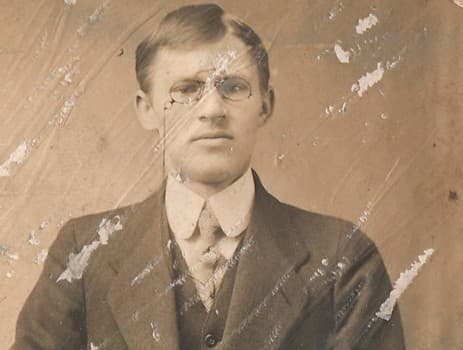
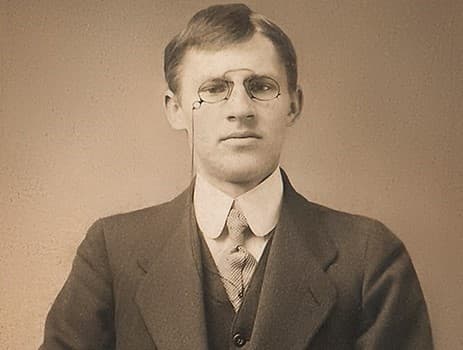
Revive faded ink, erase scratches and abrasions. Perfect for aged documents, typewritten letters, and historical records.
Real restoration is about restraint. This short film follows one receipt through Recovoly - from the raw scan to a clean copy - and shows how only the damaged area is touched.
A registration receipt with a purple rubber stamp pressed right over the handwriting and the printed form lines.
The page is analysed line by line. The stamp is separated from the ink underneath, so the text it covers is kept.
Paper tone, form lines and strokes are reconstructed from the surrounding page. Everything outside the area stays pixel for pixel.
Download a high-resolution PNG, JPG or PDF and keep the original scan next to it for your records.
Every pen stroke outside the repair keeps its exact shape and pressure.
Typefaces, form lines and numbers are left as they were scanned.
Nothing is redrawn unless you ask - legal marks stay authentic.
Powered by proprietary AI models trained on millions of historical documents, manuscripts, and archival materials.
AI-powered reconstruction of missing text, torn corners, and damaged areas with contextual awareness
Automatically identify tears, folds, stains, and faded regions with pixel-level accuracy
Neural filtering to eliminate ghosting, bleed-through, and water damage while preserving original ink
Seamlessly regenerate paper texture, fibers, and vintage grain patterns
Revive faded inks, correct sepia tones, and restore original document colors
Intelligent alignment and merging of torn pieces, even with missing fragments
Remove surface abrasions, crease lines, and scanner artifacts without blurring text
Restore entire document collections simultaneously with consistent quality
Every kind of damage has a cause, and each one needs a different repair. Here are the six problems we see most on old documents - what they look like, why they happen and how Recovoly restores them without touching what should stay.
Brown rings and hard-edged blooms where water dried on the paper.
Pale, washed-out text that is hard to read or photocopy.
Small rust-coloured dots and speckles scattered across the page.
Ripped edges, cracked fold lines and pieces that are gone entirely.
Rubber stamps, seals or library marks printed on top of important lines.
Grey backgrounds, shadows at the spine, moiré and noisy grain.
The cleaner the scan, the more faithful the result. These take a minute and make a visible difference.
Improve an existing scanMore detail in means more detail the AI can preserve. 600 DPI suits small print and handwriting.
Leave a little margin around the edges. Context from the border helps rebuild torn corners.
Avoid flash and window glare. A flat, shadow-free scan makes damage easier to separate from ink.
Upload PNG or TIFF when you can. Heavy JPEG compression adds blocks that look like damage.
Restoration creates a new file. Store the untouched scan alongside it for provenance.
Whether it is one family letter or a whole collection, credits are only used on the pages you restore. Start free, then pick the plan that fits how much you need.
For family historians, researchers and collectors restoring letters, certificates, photos and personal archives.
For museums, libraries, archives and businesses digitizing whole collections and records at scale.
Our AI restoration platform specializes in torn documents, faded manuscripts, ink-bleed pages, scratched photographs, and historical records. We support PDF, JPG, and PNG formats up to 50MB.